It’s been a year since COViD-19 started. The world is slowly getting back to “normal” life. However, we’re still under the influence of pandemic conditions. Many businesses with remote work experience have decided to extend these working conditions. But working from home becomes challenging when you need to collaborate with the team members. Which means, you need tools to keep productivity and work engagement.
Collaboration platforms today
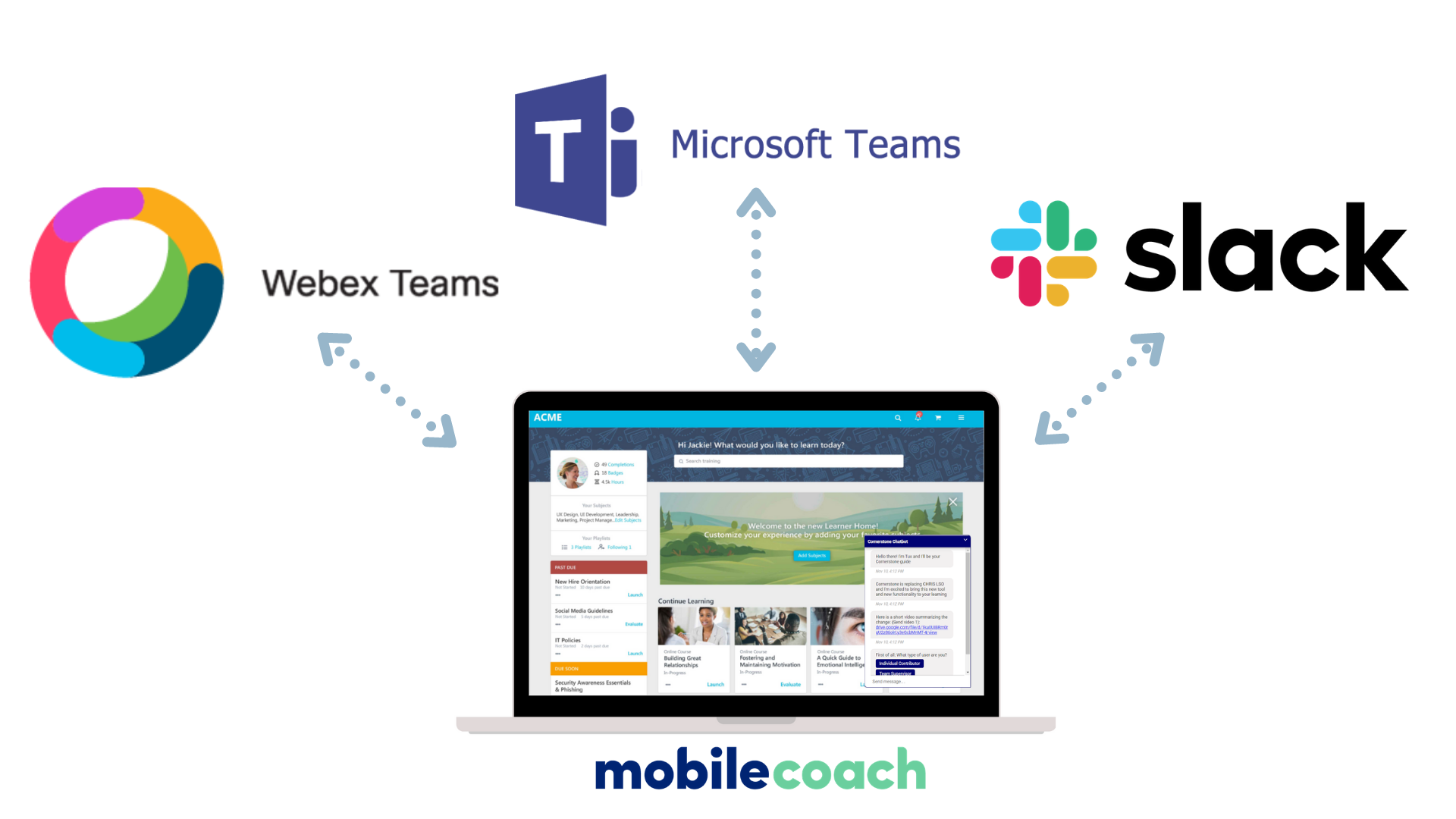
Collaboration platforms like Slack, Webex Teams, and Microsoft Teams make that possible. They bring together features you need to get work done:
instant messaging
video conferencing
time tracking
screen sharing
Many organizations have turned to collaboration platforms and found them to be incredibly effective because of the reasons above. Over the course of the pandemic, Microsoft Teams counted 20 million users in 2019 and 145 million in 2021, according to statistics from Business of Apps.
Another fantastic feature is that these platforms support chatbots, making it easier than ever to access an automated support tool in the flow of work. Mobile Coach has configured thousands of chatbots and we’ve found chatbots for learning to be an effective tool for organizations.
Why Put a Chatbot on a Collaboration Platform
Security first
Although common messaging apps like Facebook and SMS are more widely adopted and more frequently used than a workplace messaging platform, the data is often not secure enough for organizations.
Collaboration platforms like Microsoft Teams, Slack, and Webex Teams are known, and chosen by organizations, for their robust security.
For example, Webex’s security frameworks includes end-to-end encryption, where your data is highly protected while in transit and when stored.
In the end, you’ll more likely to get approval from your IT department to use an existing and vetted one of the collaboration platforms, rather than a less secure, but more popular, option.
Easy to connect
Since collaboration platforms support chatbots, you don’t have to learn new software. You just add a chatbot to your contacts and instantly you’ve got a new “colleague” that you’re interacting with in the same place you’re already using to send messages to human colleagues. With the wider adoption of collaboration platforms, it’s easy to ensure people will see and use the chatbot.
Chatbots also never sleep and provide instant responses whenever you contact them, meeting our need for quick answers that don’t interrupt the flow of work.
Top Chabot Use Cases for Learning
Below are some of our most common use cases for chatbots for collaboration platforms. If you’re interested in more use cases for learning, watch our webinar here.
New Hire Onboarding
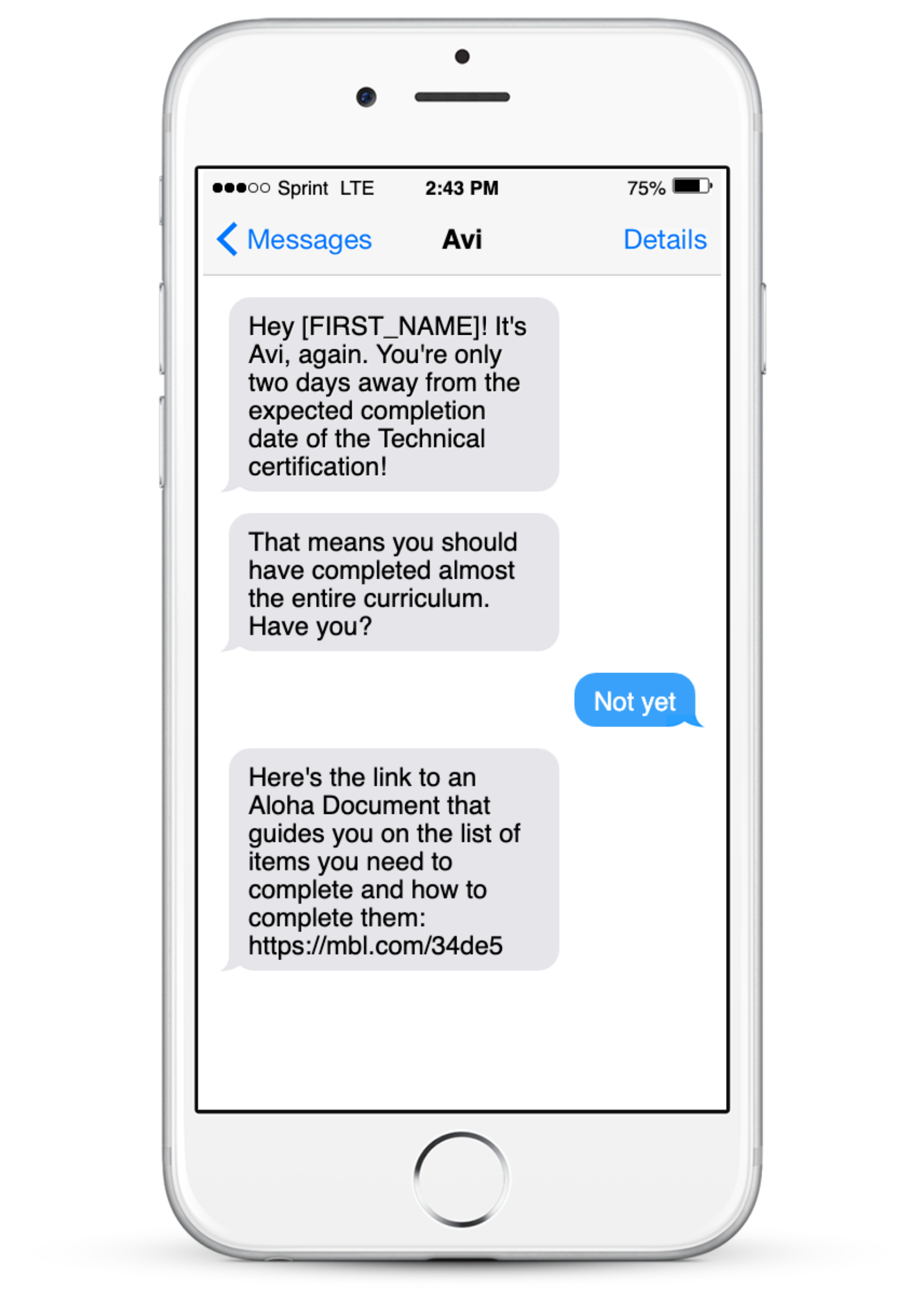
Make it easy for new hires to get the support they need. Help them remember deadlines and get there questions answered quickly. Test out the different ways a chatbot can engage new employees with this demo.
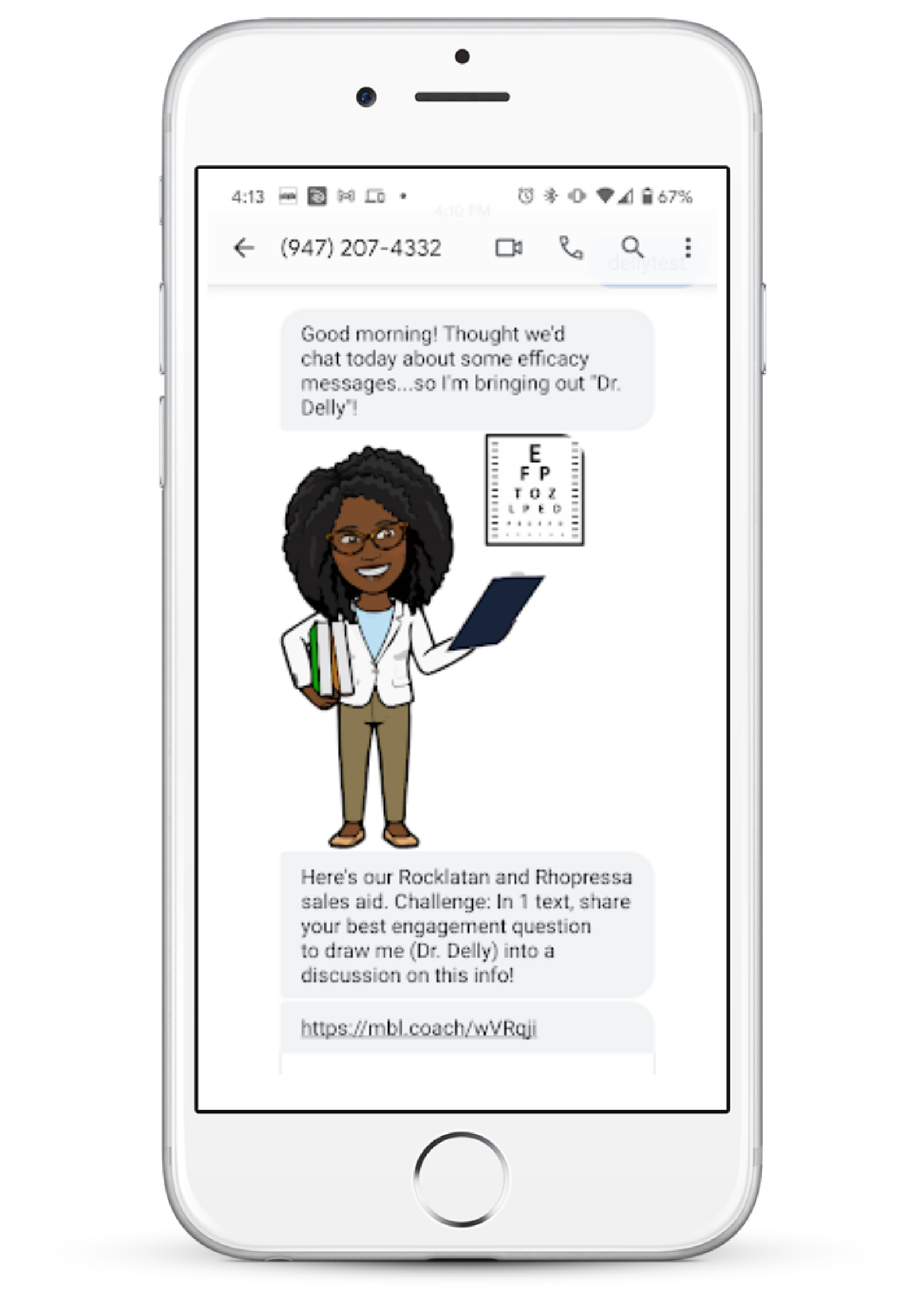
Help employees get the answers they need without interrupting the flow of work. This chatbot can become a library for FAQs, job aids, and other resources all accessible where they’re already working. Experience life as an encyclopedia salesperson with this chatbot demo to test how a chatbot can support performance.
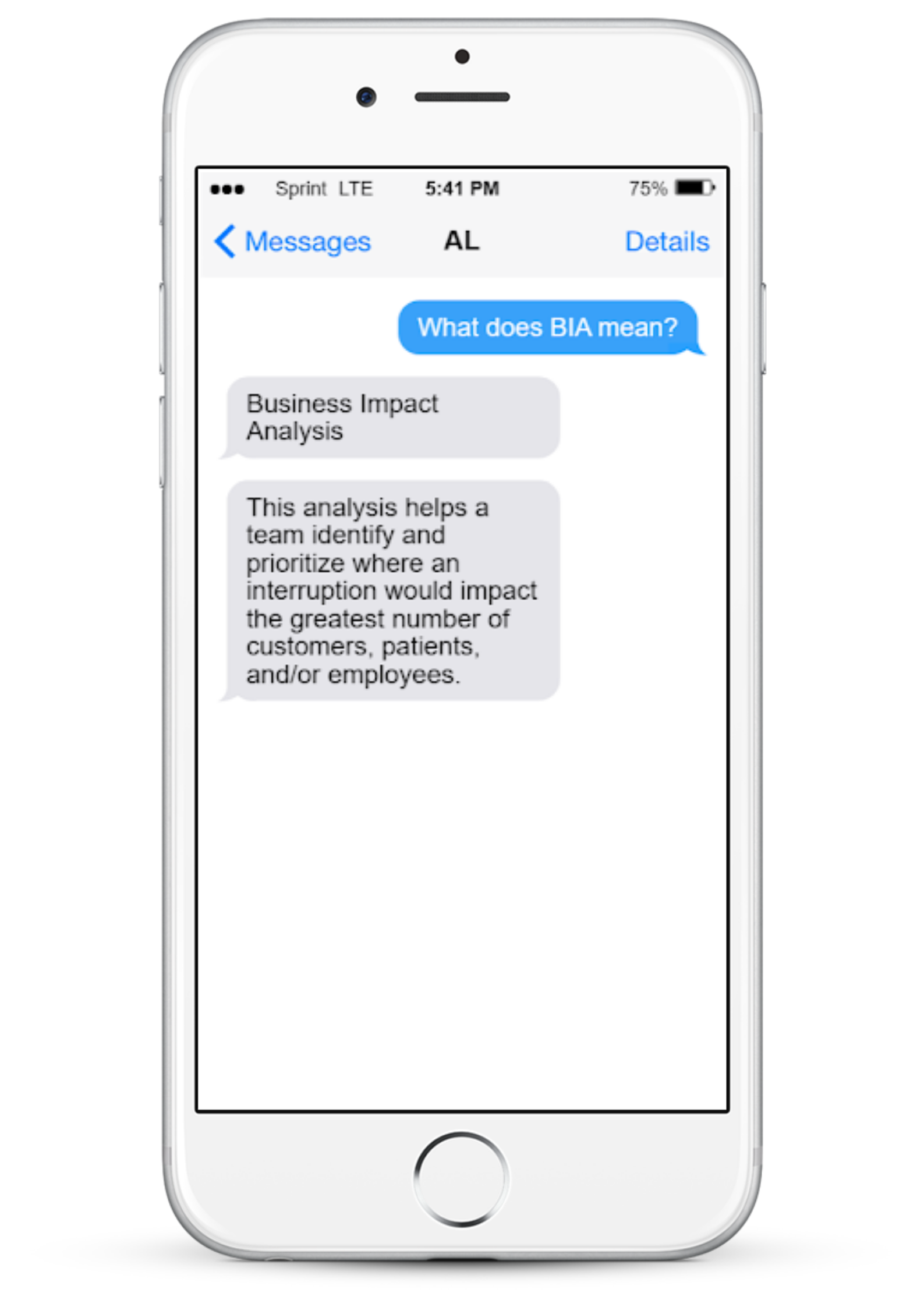
Not knowing an acronym can be disruptive and embarrassing. This chatbot can quickly feed you definitions for company-specific acronyms. Try our Mobile Coach Acronym demo, or our fun Teen Speak demo to see how it works
Interested in learning how to set up a chatbot yourself? During Learning Solutions 2021 (earlier this month) Vince gave detailed information about setting up a chatbot on a collaboration platform. He also spoke about common chatbot use cases for learning that are effective on these platforms. At the end, Vince Han showed tips for designing a chatbot and some cool chatbot ideas.
Get a Demo
Learn how Mobile Coach chatbots will help you drive real engagement with your audience to achieve the key behaviors and results you want.